
As a clever entrepreneur, you can now offer a self-printable Mother’s Day voucher template and take advantage of the benefits of voucher distribution. With our Print@Home system, you can design appealing, individual templates – without any production costs. But beware: there are a few tricks to consider when designing PDF templates.
In this blog article, we’ll show you how to create the perfect gift voucher for Mother’s Day that everyone will want to give. At the bottom of the article, you’ll find step-by-step instructions for the perfect template.
New first: in the incert Service Center
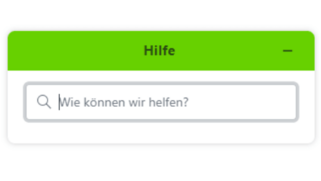
The help button! Do you have questions or need inspiration when designing your Mother’s Day voucher template? Our new help button is at your side. Simply ask and you’ll receive suggestions and answers to help you.
6 essentials for modern and individual Mother’s Day voucher templates
1. designs that leave their mark
- Colors, fonts and logo: Design the elements of your gift voucher so that they match your company’s corporate identity (CI). This way, the recipient can immediately associate the gift with your company.
- Format and design software: A4 format is ideal for your Mother’s Day gift voucher template. Use graphics programs to guarantee a high-quality design. The vouchers are sent as a PDF file by e-mail and can be printed out directly. Make sure that the file size does not exceed 1 MB to avoid problems with e-mail programs.
2. make content and USPs clear
- It is important that the Mother’s Day vouchers clearly communicate what they offer and what makes your business stand out. Present unique selling points (USPs) and a brief description of the services to create anticipation and clarify the scope of the voucher.
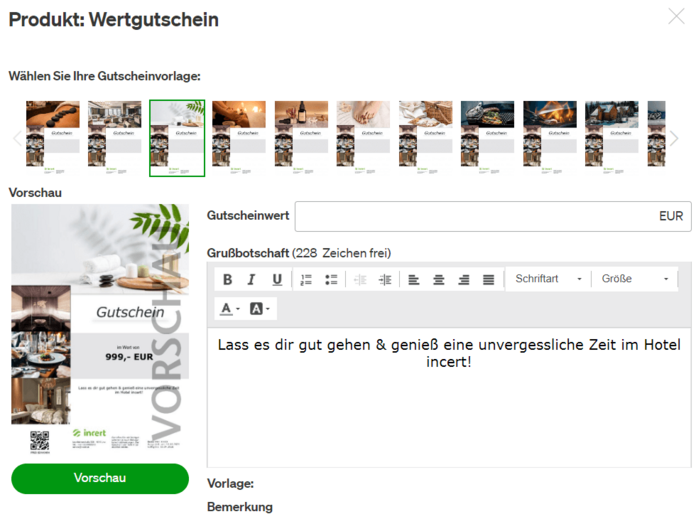
3. discover the variety of templates
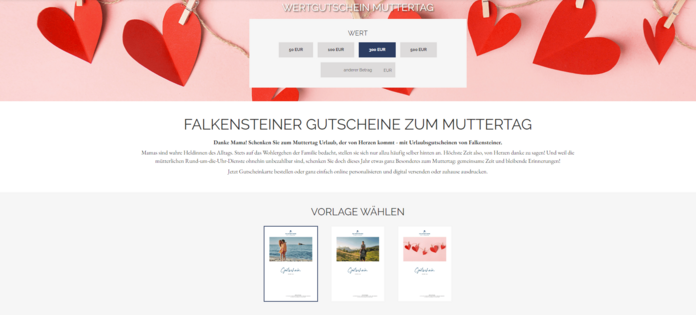
- Especially for Mother’s Day: With Mother’s Day just around the corner, now is the perfect time to create special Mother’s Day voucher templates for the occasion. Show your appreciation and love with uniquely designed Mother’s Day vouchers. Click here to see an example and get inspired.
- One is not enough. Tastes are different. Therefore, offer a wide selection of free Mother’s Day voucher templates for different occasions and preferences, including theme sliders for easy mobile selection. The templates should cover classic Mother’s Day vouchers, as well as more creative designs and popular themes such as “romance” and “wellness”. A theme slider facilitates the selection by sorting by theme or occasion and allows the buyer to choose their favorites with a swipe and touch on their smartphone.
4. make it personal
- Text: Give your customers the opportunity to leave a personal message on the voucher. Make sure there is enough space and a user-friendly editor interface is available.
- Images: The personal message is followed by your own pictures as the next level of personalization. They give the Mother’s Day voucher a personal touch and make it an unmistakable gift.
- Video: Say it your way. It doesn’t get more personal than a video greeting for mom.
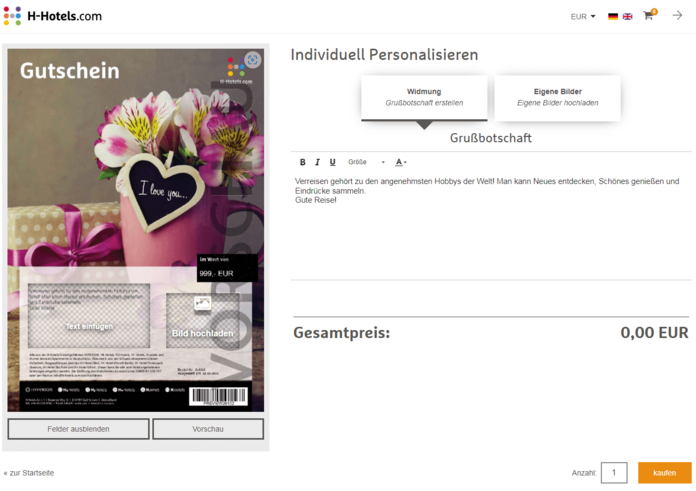
5. use the live preview
- A live preview supports your customers in selecting templates, entering text and uploading photos to ensure that the final design meets their expectations.
6. do not forget important details
- Important legal information such as validity date, redemption restrictions and the note “Not redeemable in cash” should be noted on the voucher.
Design secrets in the incert voucher system
- Dynamic and static imprints: When uploading templates to the incert system, you should consider space for dynamic imprints such as personalization, voucher value and code. Static information such as company details or legal information should be integrated directly into the template.
- Personalization options: Use the option to personalize the voucher for your customers with personal messages, images or even a video greeting. This increases the likelihood of a purchase.
- Transmission of templates: Pay attention to the technical specifications (format, resolution, color mode, file size) when creating and transmitting the templates to incert or uploading them directly to the system.
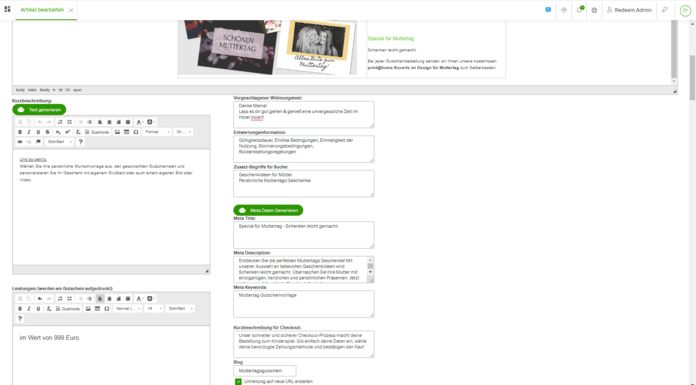
- Do it automatically: Our smart AI in the backend (see image below) helps you to fill in text elements and translate them into multiple languages at the touch of a button. Find out more here .
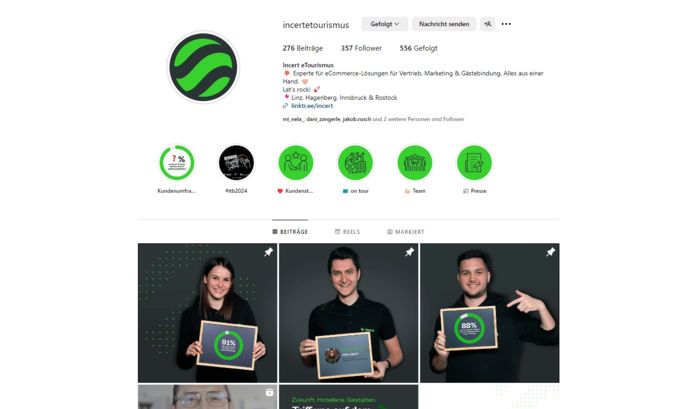
Need some inspiration? Then follow us on Instagram and take part in our Mother’s Day contest. Starting on April 22, we will be looking for the most beautiful, coolest, most personal or even the coolest voucher template from our customers. Take part and win an incert goodie bag for your social media team as well as lots of new customers who will become aware of your voucher for Mother’s Day.
Step-by-step to the perfect Mother’s Day voucher
Our guide to designing gift voucher templates opens the door to creative gifts. From brand emphasis to personalization, we offer practical tips to make your templates perfect. Create unforgettable experiences and inspire your customers – because vouchers are more than just gifts, they are emotions in paper form.
We have summarized 10 valuable tips on how you can successfully market your beautifully designed voucher offer in another blog post.
Because with your perfect voucher templates, your customers will be looking forward to shared experiences and adventures!