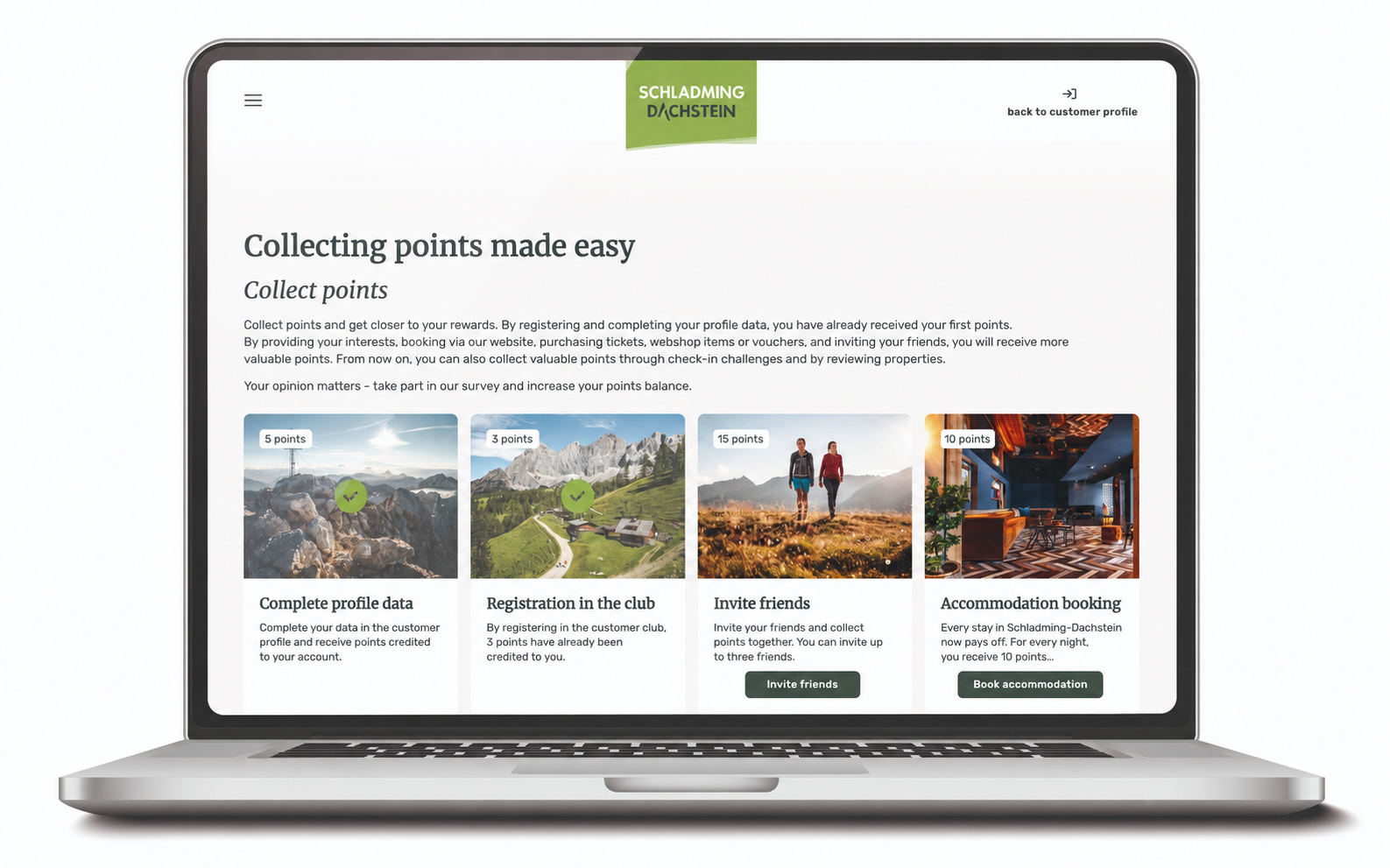

What exactly does stand-alone mean and what does iframe stand for?
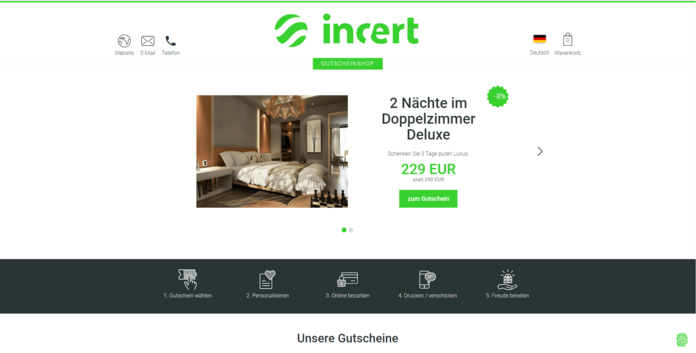
A stand-alone website contains all relevant product details on a dedicated (sub)domain. The alternative can therefore be interpreted as a stand-alone website, completely independent and free of additional codes, solutions and systems.
An HTML (Hypertext Markup Language) object is referred to as an iframe (inline frame). This means that third-party content can be integrated into your own website using contentWindow (a fixed frame with its own content). This means that a new HTML frontend is embedded into the existing website in a predefined area of the website.
What are the differences and what are the respective advantages?
The iframe is the less complicated variant, as external content is integrated into an existing page and only needs to be adapted to the design of the website. However, there is no automatic adaptation of an iframe to global rules (general design rules) of a host website, which can be interpreted as an advantage. This in turn means that the iframe data cannot be exchanged with the host website. Therefore, a uniform evaluation or implementation is not possible. Another advantage that arises from the delimitation of the HTML structure is that the iframe is a particularly secure alternative for dynamic content.
The iframe enables systems with a high technical standard for every website operator. Direct integration into your own website has many advantages, as customer traffic (in short: the time a visitor spends on your website) remains on your own platform and is not transferred to another domain. This increases the relevance of your own website. Integration on your own website is also beneficial for SEO factors. However, web crawlers (computer programs for automatic website analysis), which collect information for browsers, cannot access all the content of the iframe .

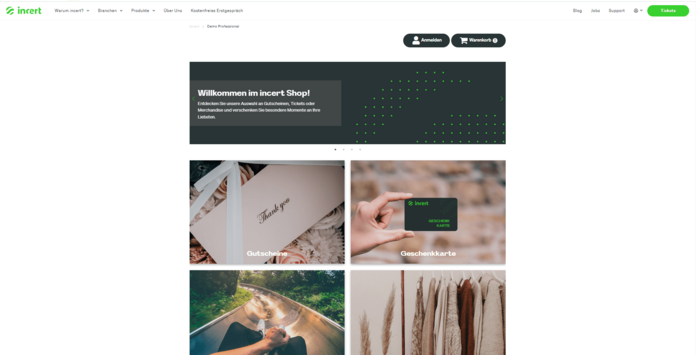
This is not the only reason why a stand-alone version is easier to read for the browser and therefore also for SEO factors. This alternative definitely offers a better starting point and more optimal expansion version for a voucher management system that includes an extensive range of vouchers. The stand-alone solution offers clearer and more intuitive navigation, which is particularly noticeable on mobile devices (smartphones or tablets). The integration into a domain set up specifically for this purpose enables a standardized front end on which the customer never has the feeling of being in a different system. This is particularly noticeable in the bounce rate, which is significantly lower with a stand-alone solution.
In contrast to the iframe, the stand-alone solution also makes it possible to integrate things like tracking, Consent Manager (Klaro) and Google Tag Manager ID, Facebook Pixel ID or Adwords ID, all of which are available free of charge with the incert system. Web crawlers now also have the ability to recognize the content and products of the website, making it accessible for SEO and the aforementioned tools.

Key differences between stand-alone and iframe
| Stand Alone | iframe | |
|---|---|---|
| Design | Individual and CI-compliant design | Design adapted to host website |
| Security | Secured by external systems | Secured by additional demarcation |
| Expenditure | Creation of a new website (high) Implementation of a new front end with its own domain, responsive and optimized for mobile devices | Integration into existing website simple adaptation to the design (low) |
| Traffic | Stays on your own website, significantly lower bounce rate via sub-URL | Stay on your own website |
| SEO | Improvement of SEO factors Optimizations in the areas of SEO & accessibility | limited SEO improvement |
| Clarity | Also works very well on mobile devices Login and shopping cart always visible in menu navigation Mainly used for large and extensive voucher offers Clear and intuitive page navigation (mobile first) Especially for complex store structures with multiple categories (may appear confusing on small displays) | Clearly structuredWith extensive systems, there may be responsive/spatial restrictions on the website |
| Tracking | Possibility of tracking, Consent Manager (e.g. Klaro) and Google Tag Manager ID, Facebook Pixel ID or AdWords ID = available free of charge Alternatively, Consent Manager can be integrated from the website Tracking if desired by creating your own data layer | Limited, as there is no data exchange between host HTML and iframe |
Our advisory team will be happy to answer any questions you may have.